
Banner Online Student Information System (Confed IT)
Students Can Use the Banner System to:
- View/maintain contact information
- Complete online course registration and payment
- View registration status
- View academic records
- View class schedule (timetable)
How to Access the Banner Online Student Information System:
- You can access the Student Banner Information System by using any Internet connected computer with a web-browser. To access the Banner, login to the College’s MyCampus Portal application by typing in the URL: http://www.confederationcollege.ca into your web browser (this is the College’s main website).
- At the top of the College website main page, click the link My Campus Portal.
- At the MyCampus Portal login page, please enter your College username and password and then click the ‘Login’ button.
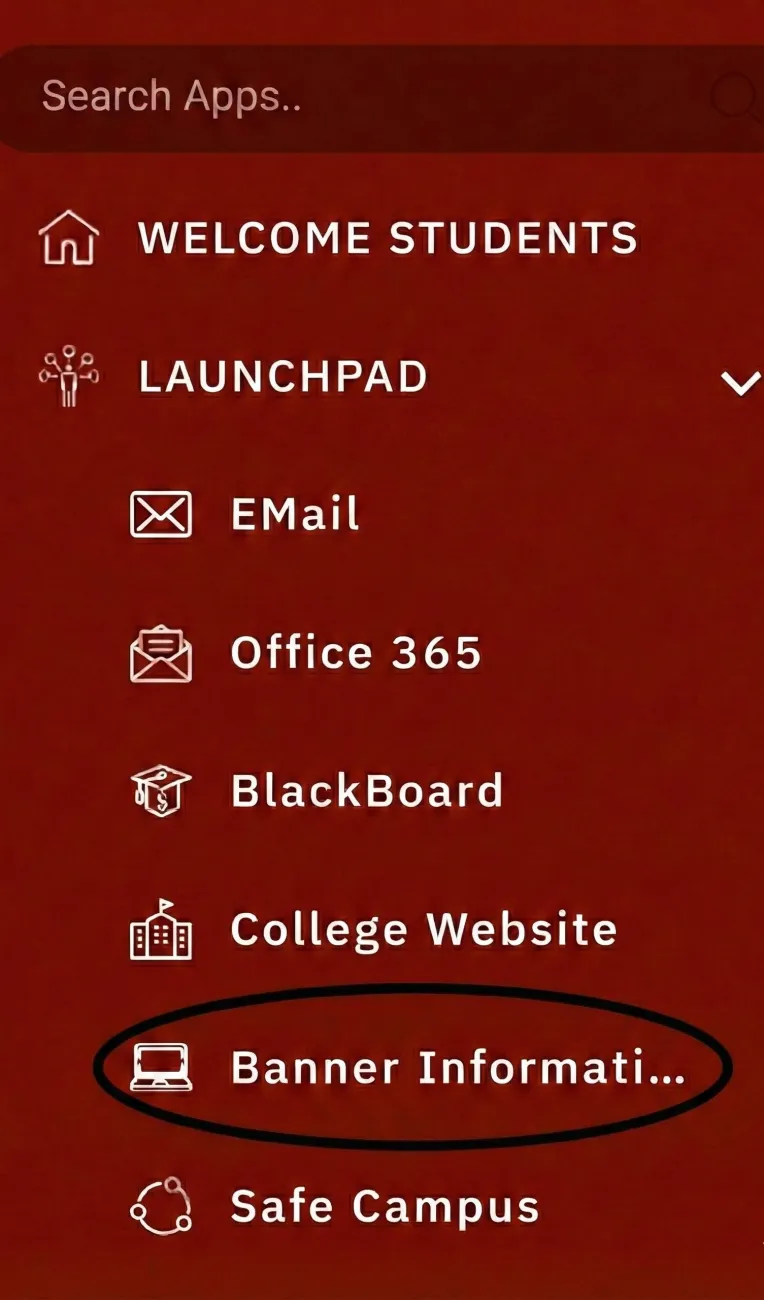
- Once you are logged into the MyCampus Portal, on the left-hand side of the page under the LaunchPad section you will see the ‘Banner Information System’ link. Click on this icon to be automatically logged into the Banner system.
Image