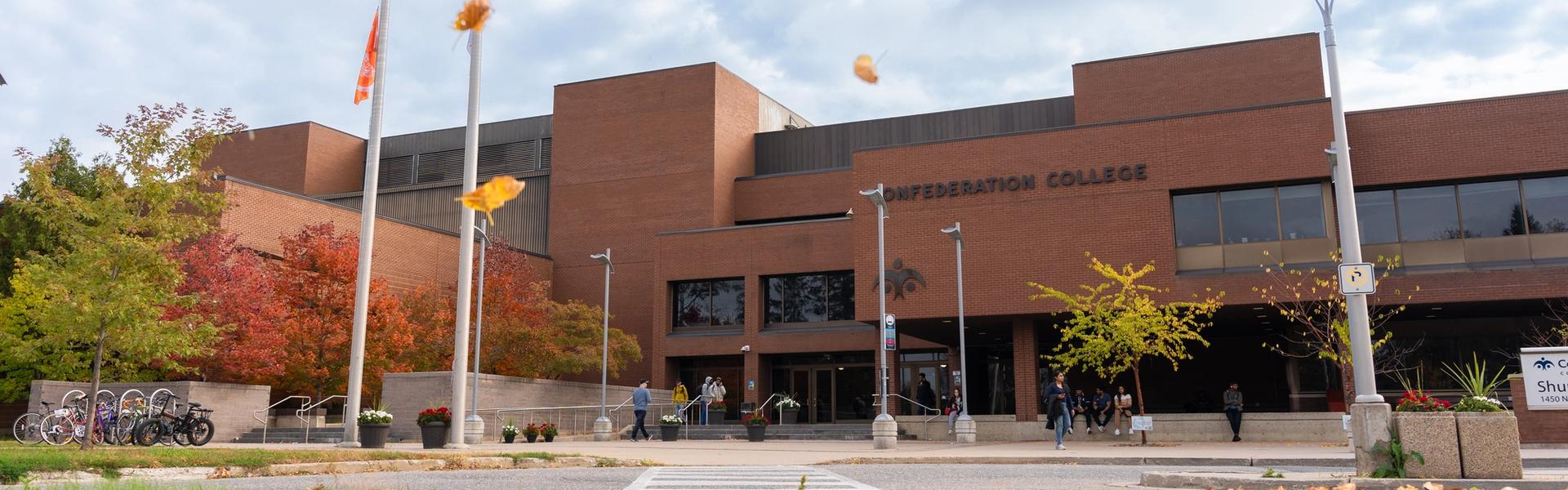
Find Your Way with MazeMap
MazeMap is an interactive wayfinding tool available across the Thunder Bay campus. It helps students, employees, and visitors quickly find classrooms, offices, services, and other spaces throughout campus.
Finding your way around campus is now easier than ever. Think of it as a digital campus map. Search for a location and MazeMap will provide step-by-step directions, including routes between buildings and outdoor pathways.
What's Included?
MazeMap currently covers:
- Shuniah Building
- McIntyre Building
- Dorion Building
- Outdoor areas and connecting walkways
Why Use MazeMap?
Find locations quickly
Search by room number, office, department, or service. Whether you're looking for the Library, a computer lab, or a staff office, MazeMap can help you get there.
Get turn-by-turn directions
Need to get from class to an appointment across campus? MazeMap provides walking directions between locations, both indoors and outdoors.
No app needed
MazeMap has a handy app for iPhone and Android, but also works directly in your web browser on a phone, tablet, or computer.
Helpful for new students/visitors
Whether you're attending your first class, visiting campus, or coming to an event, MazeMap makes it easy to find your destination.

Get Started
For quick access, bookmark the page on your phone or computer. You can also share direct links to specific locations in meeting invitations, event listings, and emails. You'll soon see MazeMap QR codes throughout campus. Scan a code with your phone's camera to open the map at your current location and get directions to where you need to go.
Need Help?
If you notice missing information or a location that needs updating, contact: