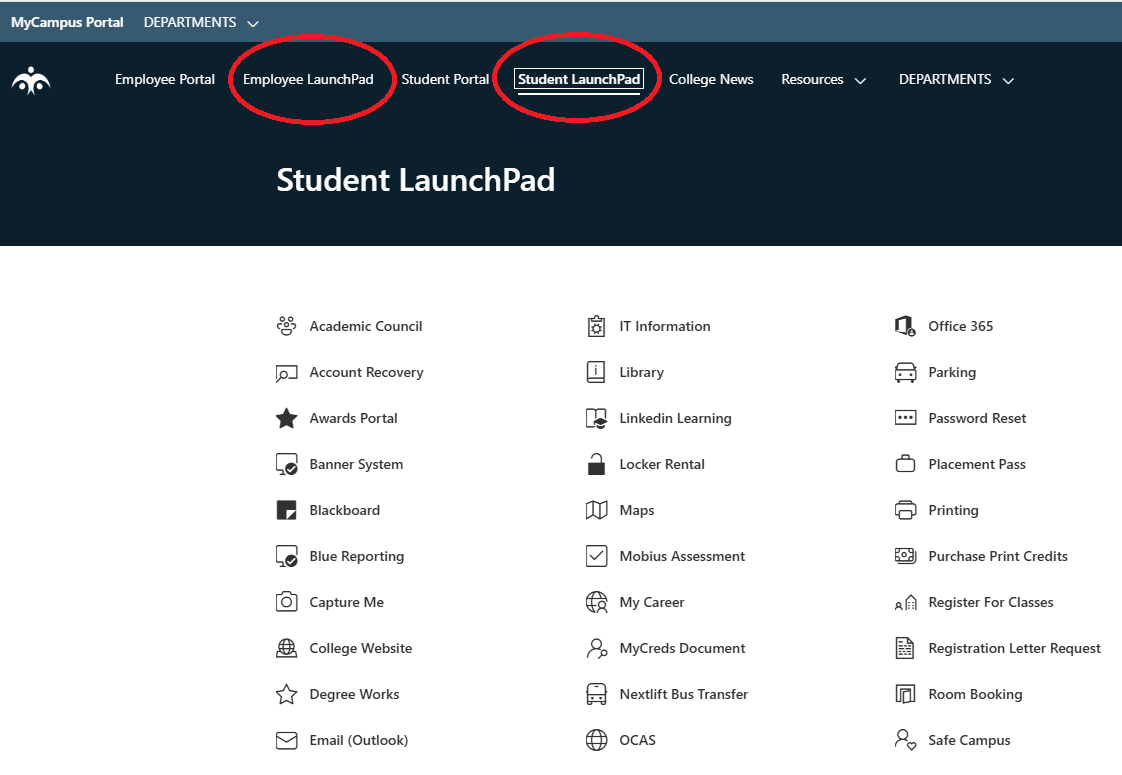
MyCampus Portal
The MyCampus Portal is Confederation College’s one-stop shop for accessing College news, popular applications, events calendar, as well as other tools and resources. The MyCampus portal is a web-based application and can be accessed from any Internet-connected computer.
The MyCampus Portal has a number of areas of interest:
- Quick links to most College IT and academic applications
- College announcements and news section
- Academic & events calendar to let you know of upcoming College important dates, activities, and events
- Links to other College tools and resources for both students and employees
How to Access the MyCampus Portal
1. On an Internet-connected computer, go to the College’s main web site at: https://www.confederationcollege.ca
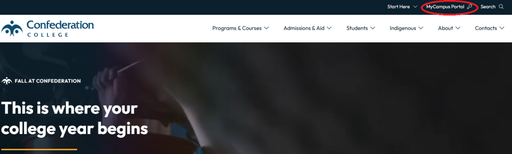
2. At the top menu bar of the College website main page, click the link ‘MyCampus Portal’.
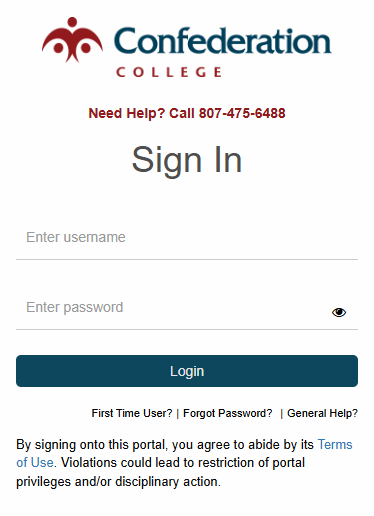
3. At the MyCampus Portal login page, please enter your College username and password and then click the ‘Login’ button.
4. Once logged in you should be brought to the MyCampus Portal home screen.
5. To view links to student and staff online applications as well as resources, click on either the ‘Student LaunchPad’ or ‘Employee LaunchPad’.